

1. Go to GoogleMaps – https://www.google.com/maps
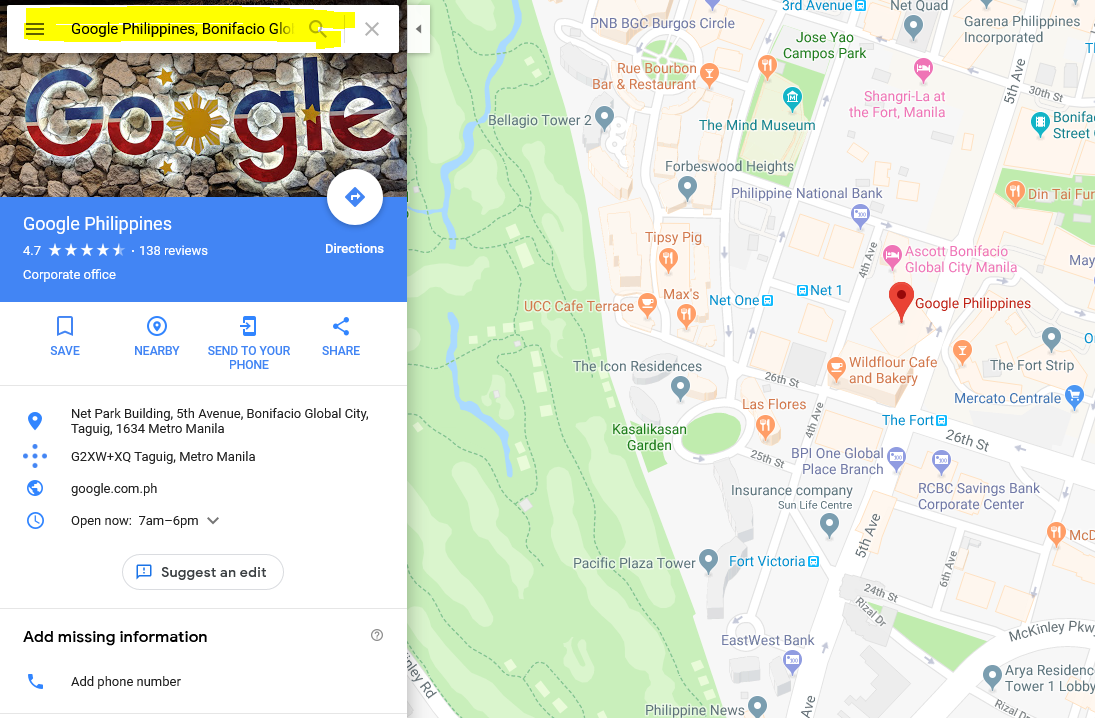
2. Search the exact address you want to embed to your site
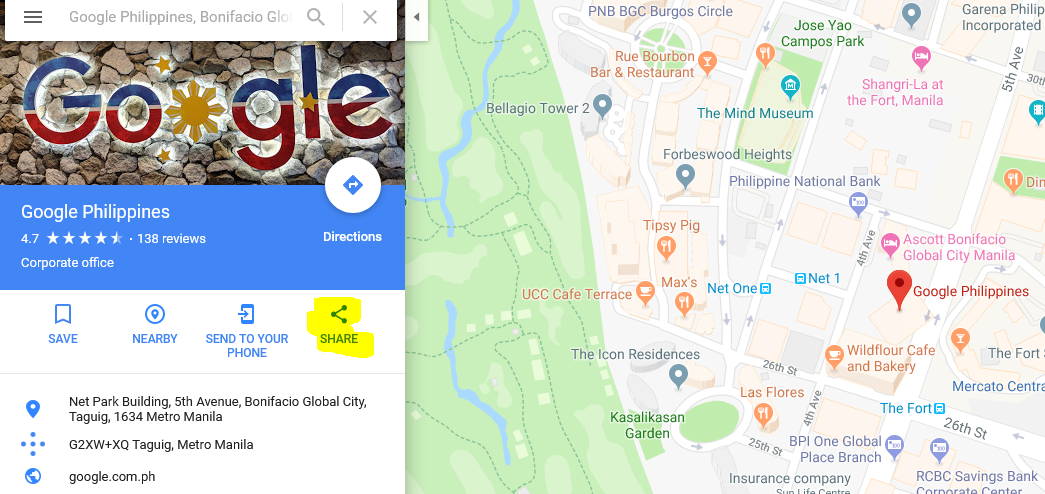
3. Click the ‘Share‘ button then an overlay form will appear
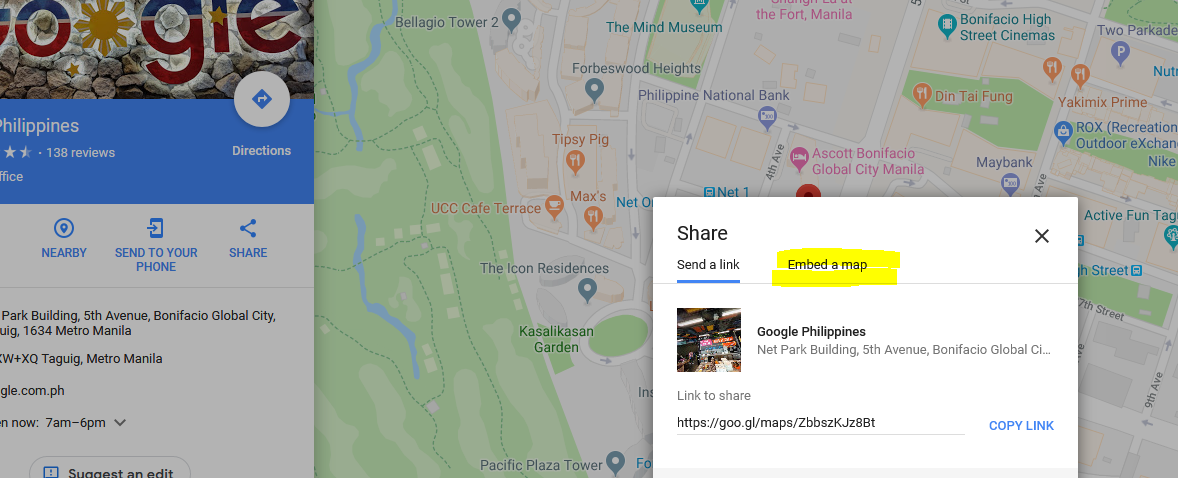
4. On the overlay form, simply go to the ‘Embed a map‘ tab
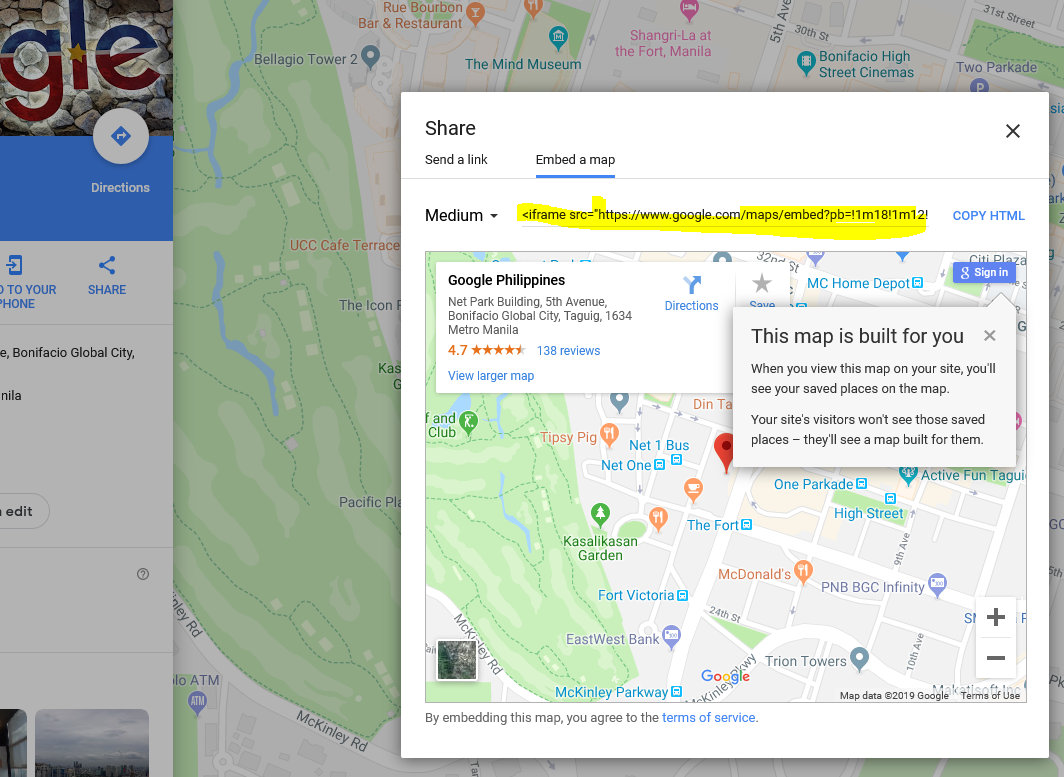
5. Then from that tab, simply click ‘COPY HTML‘ the paste it on your site.